

Exporting to HTML#
Scenes can be exported to standalone HTML files that render interactively using a built-in JavaScript WebGPU engine — no Python needed in the browser.
Export methods#
There are three ways to export:
``Scene.export(path)`` — export a single scene programmatically
``python -m webgpu.notebook_to_html notebook.ipynb -o output.html`` — convert an entire notebook
Sphinx builds with ``WEBGPU_EXPORTING=1`` — automatic export for documentation
Programmatic export#
Create a scene and call export() to write a self-contained HTML file:
[1]:
from webgpu.shapes import generate_cylinder, generate_cone, ShapeRenderer
from webgpu.colormap import Colormap, Colorbar
from webgpu.scene import Scene
from webgpu.jupyter import Draw

shaft = generate_cylinder(n=12, radius=0.02, height=0.7, bottom_face=True)
tip = generate_cone(n=12, radius=0.06, height=0.3, bottom_face=True).move((0, 0, 0.7))
arrow = shaft + tip

cmap = Colormap(colormap="viridis")
renderer = ShapeRenderer(
    arrow,
    positions=[[0, 0, 0], [0.5, 0, 0], [1, 0, 0]],
    directions=[[0, 0, 1], [1, 0, 0], [0, 1, 0]],
    values=[0, 0, 0.5, 0.5, 1, 1],
    colormap=cmap,
)
scene = Draw([renderer, Colorbar(cmap)])
warning: headless host, selecting by preference only
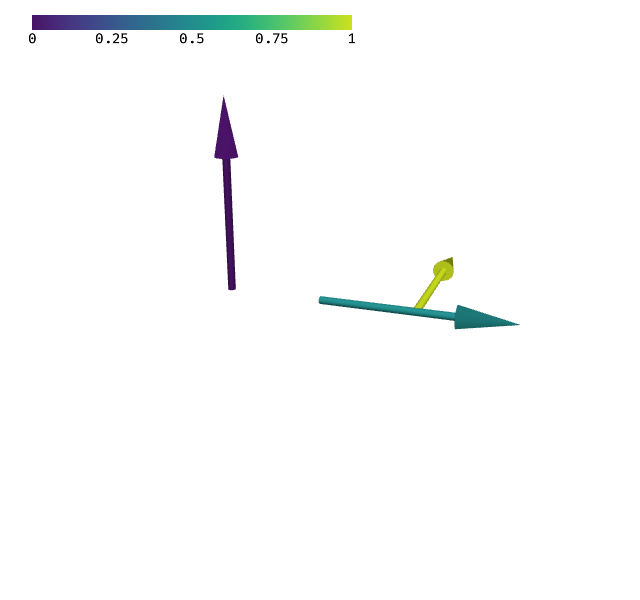
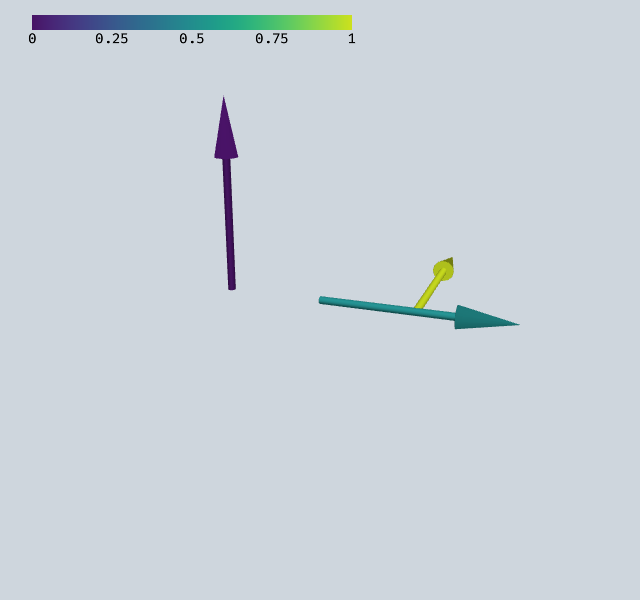
To export this scene to a standalone HTML file:
scene.export("my_scene.html")
To convert an entire notebook:
python -m webgpu.notebook_to_html notebook.ipynb -o output.html
The exported HTML contains the full JavaScript WebGPU engine inline. It supports camera interaction (rotate, pan, zoom) and, for scenes with clipping or colormap uniforms, interactive GUI controls.
Sphinx integration#
The documentation build in docs/conf.py sets WEBGPU_EXPORTING=1 and uses nbsphinx to automatically produce interactive 3D canvases from notebook cells. During the build, Playwright drives a headless browser with Vulkan/lavapipe to capture the GPU state that the JavaScript engine needs to reconstruct the scene.
What gets exported#
The JavaScript engine reconstructs GPU state from a binary blob embedded in the HTML. It supports all built-in renderers, compute passes, and custom renderers — as long as the custom renderer implements get_export_descriptor.