Interaction and Selection#
The WebGPU scene provides built-in camera controls (rotate, pan, zoom) automatically. This notebook shows how to add selection — running callbacks when the user clicks on a rendered object.
Note: Selection requires a live Python kernel and only works in interactive Jupyter sessions (Pyodide) or in ngapp. Exported HTML retains camera interaction but does not support selection callbacks.
Basic selection#
To enable selection:
Register a click handler on the input handler that calls
scene.select(x, y).Register callbacks via
renderer.on_select(callback)— the scene identifies which renderer owns the clicked pixel and dispatches to its callback.
The callback receives a SelectEvent with:
Property |
Description |
|---|---|
|
Instance index (which shape was clicked) |
|
Scalar value at that point |
|
3D world position |
[1]:
import webgpu.jupyter as wj
import numpy as np
from webgpu.shapes import ShapeRenderer, generate_cylinder, generate_cone
from webgpu import Colormap, Labels, Colorbar

rand = np.random.random
N = 10
thickness = 0.1
length = 0.3

cylinder = generate_cylinder(8, thickness)
cone = generate_cone(8, thickness)

cmap_cone = Colormap(10, 11, "viridis")
cmap_cyl = Colormap(0, 1)

cylinders = ShapeRenderer(
    cylinder, rand((N, 3)), length * rand((N, 3)), rand(2 * N), colormap=cmap_cyl
)
cones = ShapeRenderer(
    cone, rand((N, 3)), length * rand((N, 3)), 10.0 + rand(2 * N), colormap=cmap_cone
)

label = Labels(["Click an object"], [[-1, -1]], font_size=16)
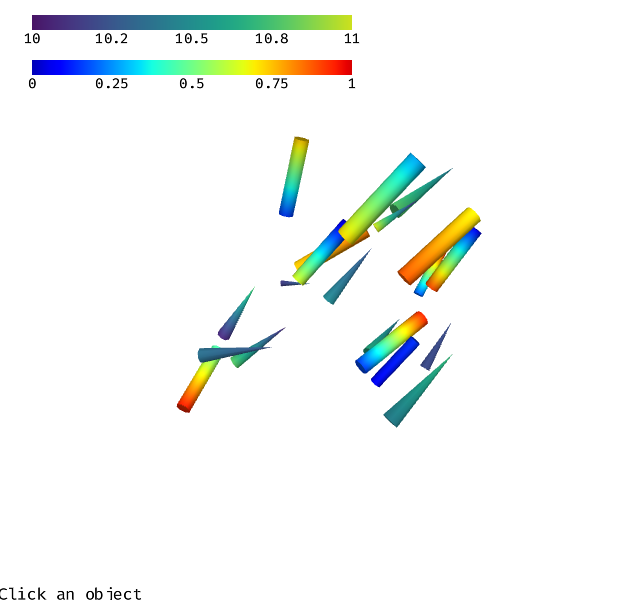
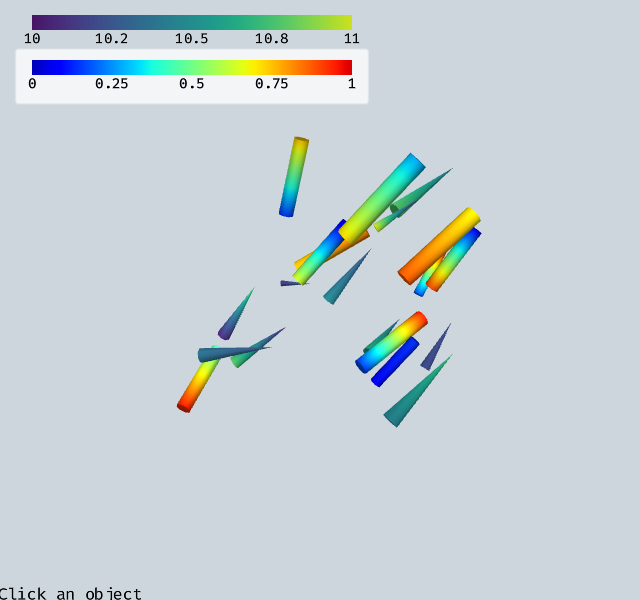
scene = wj.Draw([cylinders, cones, label, Colorbar(cmap_cone), Colorbar(cmap_cyl, (-0.9, 0.75))])


def set_label(s):
    label.labels[0] = s
    label.set_needs_update()
    scene.render()


def on_select_cone(ev):
    set_label(f"Selected cone {ev.uint32[0]} with value {ev.float32[1]:.3f}")


def on_select_cyl(ev):
    set_label(f"Selected cylinder {ev.uint32[0]} with value {ev.float32[1]:.3f}")


cones.on_select(on_select_cone)
cylinders.on_select(on_select_cyl)


def on_click(ev):
    if ev["button"] == 0:
        scene.select(ev["canvasX"], ev["canvasY"])


scene.input_handler.on_click(on_click)
warning: headless host, selecting by preference only
How selection works under the hood#
Each renderer that supports selection has two rendering pipelines:
The rendering pipeline draws the object normally.
The selection pipeline renders object metadata into a
vec4<u32>selection texture (specified byselect_entry_point).
The default ShapeRenderer selection shader writes:
Channel |
Content |
|---|---|
|
|
|
|
|
|
|
|
When scene.select(x, y) is called it reads the selection texture at that pixel, identifies the renderer from channel 0, reads depth from channel 1, and dispatches the SelectEvent with channels 2–3 as user data.
Custom selection shader#
Override select_entry_point to store different data in the two user-data channels. The example below stores the surface normal (x and y components) instead of instance + value. This lets you detect whether the side or a cap of a cylinder was clicked. The 3D click position is still available for free via calculate_position (which uses the depth in channel 1).
[2]:
select_shader = """
@fragment fn my_select_shader(
    input: ShapeVertexOut,
) -> @location(0) vec4<u32> {
    return vec4<u32>(
        @RENDER_OBJECT_ID@,
        bitcast<u32>(input.position.z),
        bitcast<u32>(input.normal.x),
        bitcast<u32>(input.normal.y),
    );
}
"""


class MyShapeRenderer(ShapeRenderer):
    select_entry_point = "my_select_shader"

    def get_shader_code(self):
        return super().get_shader_code() + select_shader


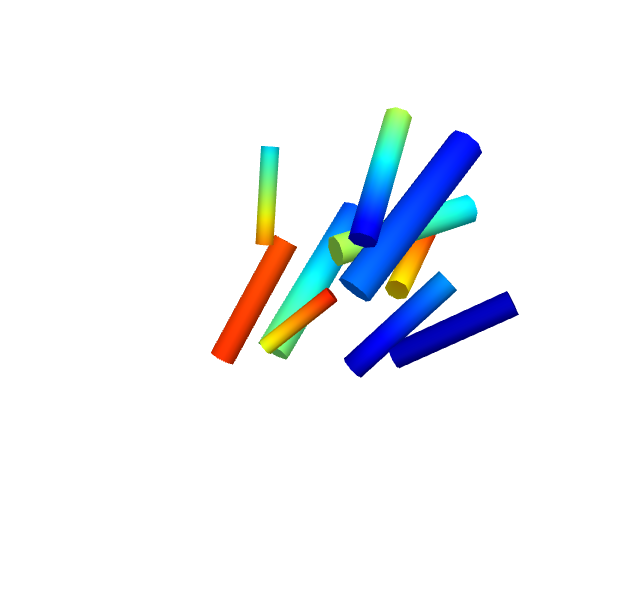
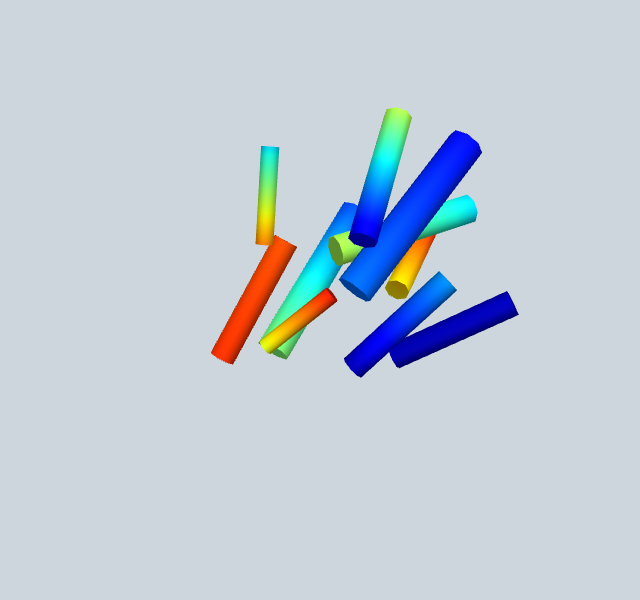
mycylinders = MyShapeRenderer(cylinder, rand((N, 3)), rand((N, 3)), rand(2 * N))
mylabel = Labels([""], [[-1, -0.8]], font_size=14)


def on_select_mycyl(ev):
    nx, ny = ev.float32[0], ev.float32[1]
    nz = max(0, 1 - nx**2 - ny**2) ** 0.5
    pos = ev.calculate_position(myscene.options)
    mylabel.labels[0] = (
        f"normal=({nx:.2f},{ny:.2f},{nz:.2f})  "
        f"pos=({pos[0]:.2f},{pos[1]:.2f},{pos[2]:.2f})"
    )
    mylabel.set_needs_update()
    myscene.render()


mycylinders.on_select(on_select_mycyl)

myscene = wj.Draw([mycylinders, mylabel])
myscene.input_handler.on_click(lambda ev: myscene.select(ev["canvasX"], ev["canvasY"]))
Disabling selection#
Renderers that should not participate in selection (labels, gizmos, colorbars) set select_entry_point = "". This skips the selection pipeline entirely for that renderer.