Vector Fields#
Vector-valued CoefficientFunctions can be visualized as arrow glyphs on surfaces, clipping planes, or as field lines.
Surface Vectors#
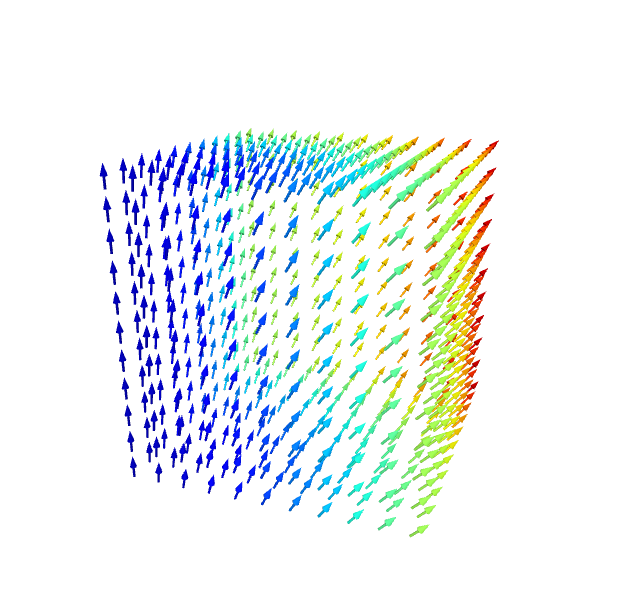
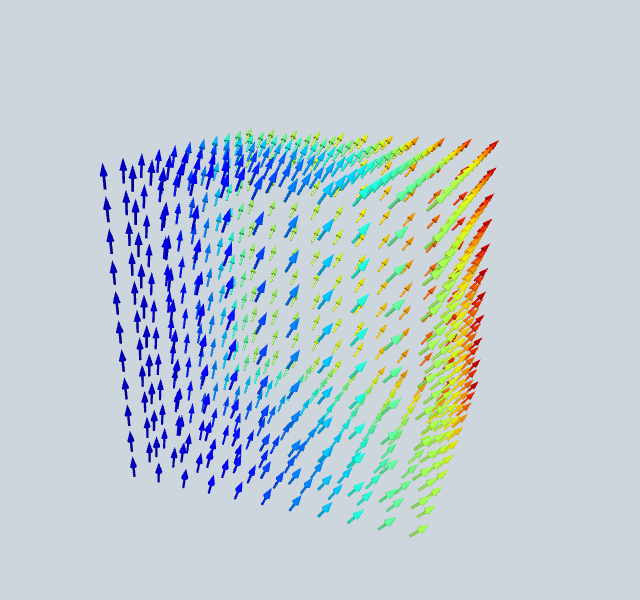
Arrows on the boundary surface of a 3D mesh:
[1]:
from ngsolve import *
from ngsolve_webgpu import *
from webgpu.jupyter import Draw

mesh = Mesh(unit_cube.GenerateMesh(maxh=0.2))
cf = CF((x, y, 1))
md = MeshData(mesh)
fd = FunctionData(md, cf, order=1)
vecs = SurfaceVectors(fd)
Draw(vecs)
warning: headless host, selecting by preference only
[1]:
SurfaceVectors samples the vector field on surface elements and renders 3D arrows. grid_size controls the density of arrows (default 20).
Clipping Vectors#
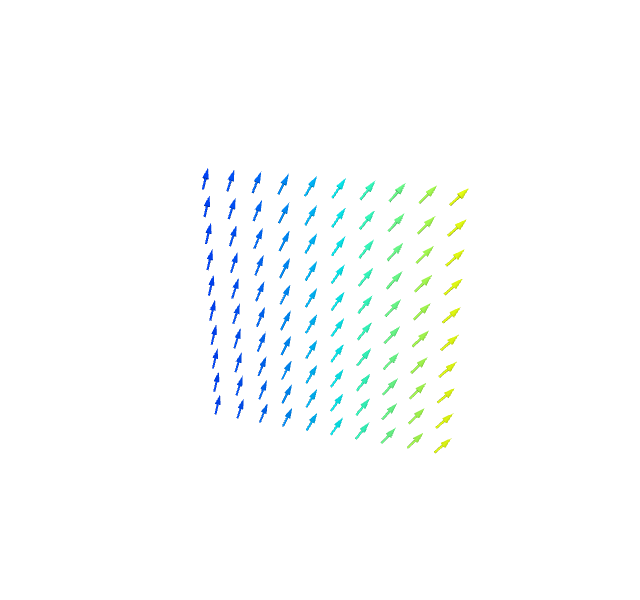
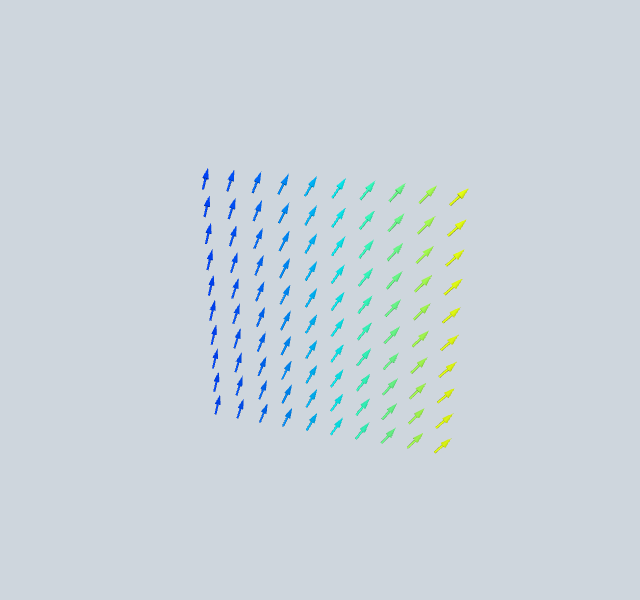
Arrows on a clipping plane through the volume:
[2]:
from ngsolve import *
from ngsolve_webgpu import *
from webgpu.clipping import Clipping
from webgpu.jupyter import Draw

mesh = Mesh(unit_cube.GenerateMesh(maxh=0.2))
cf = CF((x, y, 1))
md = MeshData(mesh)
fd = FunctionData(md, cf, order=1)
clipping = Clipping()
clipping.center = [0.5, 0.5, 0.5]
vecs = ClippingVectors(fd, clipping=clipping)
Draw(vecs)
[2]:
ClippingVectors works like SurfaceVectors but on the clipping cross-section. The clipping plane is controlled by the Clipping object.
Field Lines#
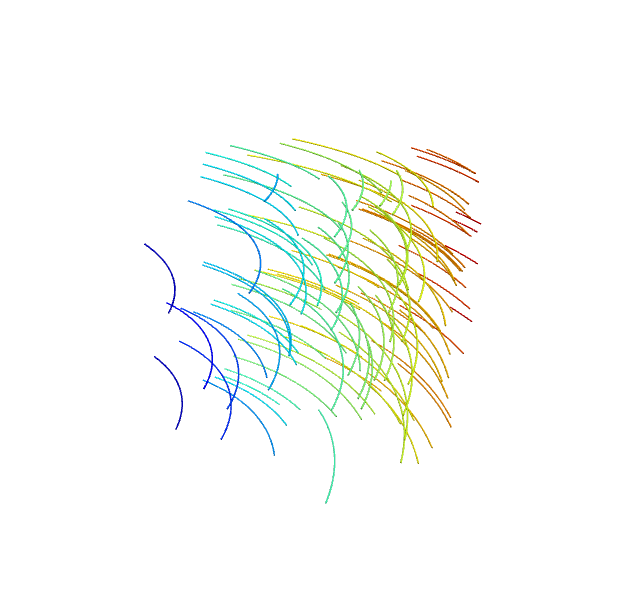
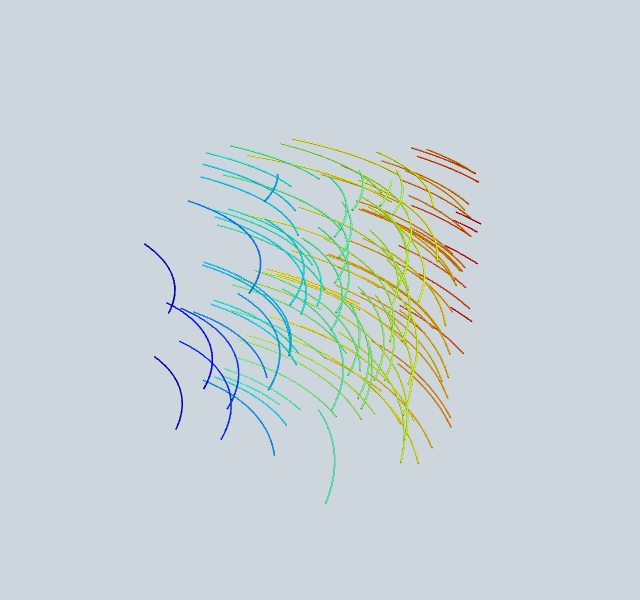
Streamlines traced through a 3D vector field:
[3]:
from ngsolve import *
from ngsolve_webgpu.cf import FieldLines
from webgpu.jupyter import Draw

mesh = Mesh(unit_cube.GenerateMesh(maxh=0.3))
cf = CF((-y, x, 0.1))
fieldlines = FieldLines(cf, mesh, num_lines=100, length=0.5, thickness=0.0015)
Draw(fieldlines)
[3]:
FieldLines integrates streamlines from random start points. Key parameters:
num_lines— number of streamlines (default 100)length— integration length (default 0.5)thickness— line thickness relative to bounding box (default 0.0015)direction— 0=both, 1=forward, -1=backward