Clipping Planes#
Clipping planes cut through 3D meshes and fields, revealing interior structure. They work with mesh elements, coefficient functions, and vectors.
Clipping a 3D Mesh#
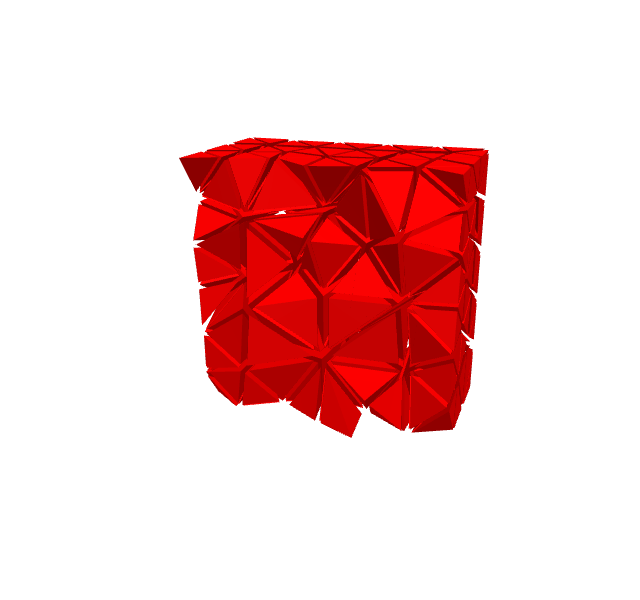
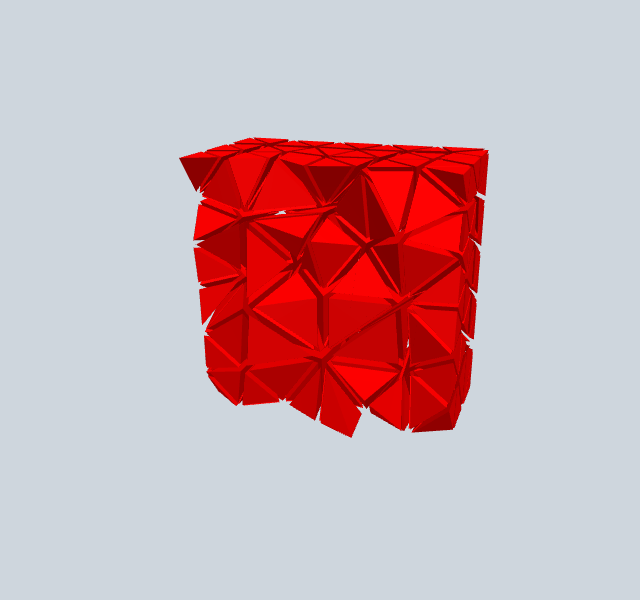
Clipping controls the plane position and orientation. The GUI automatically provides interactive sliders for normal direction and position.
[1]:
from ngsolve import *
from ngsolve_webgpu import *
from webgpu.clipping import Clipping
from webgpu.jupyter import Draw

mesh = Mesh(unit_cube.GenerateMesh(maxh=0.2))
meshdata = MeshData(mesh)
clipping = Clipping()
clipping.mode = clipping.Mode.PLANE
clipping.center = [0.5, 0.5, 0.5]

volume_elements = MeshElements3d(meshdata, clipping=clipping)
volume_elements.shrink = 0.8
scene = Draw(volume_elements)
warning: headless host, selecting by preference only
▶ Click to interact
Clipping a Function (ClippingCF)#
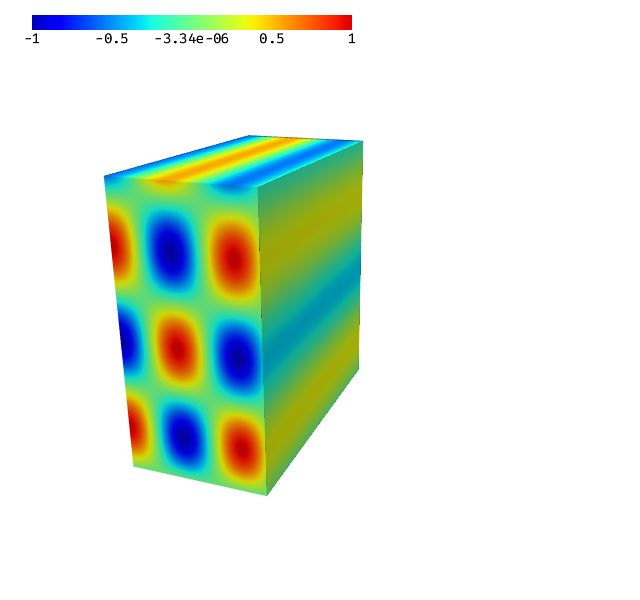
ClippingCF computes and renders function values on the clipping plane cross-section via a compute shader.
[2]:
from ngsolve import *
from ngsolve_webgpu import *
from webgpu.colormap import Colorbar
from webgpu.clipping import Clipping
from webgpu.jupyter import Draw

mesh = Mesh(unit_cube.GenerateMesh(maxh=0.2))
mesh_data = MeshData(mesh)
cf = sin(10 * z) * cos(15 * x)
function_data = FunctionData(mesh_data, cf, order=5)

clipping = Clipping()
clipping.center = [0.5, 0.5, 0.5]
clipping.mode = clipping.Mode.PLANE
clipping.normal = [1, 0, 0]

clip_cf = ClippingCF(function_data, clipping=clipping)
cfr = CFRenderer(function_data, clipping=clipping, colormap=clip_cf.colormap)

scene = Draw([cfr, clip_cf, Colorbar(clip_cf.colormap)])
▶ Click to interact
Clipping Properties#
Property |
Description |
|---|---|
|
Point on the plane (list of 3 floats) |
|
Plane normal direction (list of 3 floats) |
|
|