Picking#
ngsolve_webgpu ships pick handlers that decode click events on rendered scenes back into mesh entities (elements, regions) or OCC geometry features (vertex/edge/face).
The pick handlers run inside the live Jupyter session — they need a Python kernel to receive the click events and react.
How it works#
Register a click handler on
scene.input_handlerthat callsscene.select(x, y).The scene reads the GPU selection buffer at that pixel, identifies the renderer, and calls its
on_selectcallback.Use
MeshPickResultorGeoPickResultto decode the raw event into meaningful data.
Mesh picking#
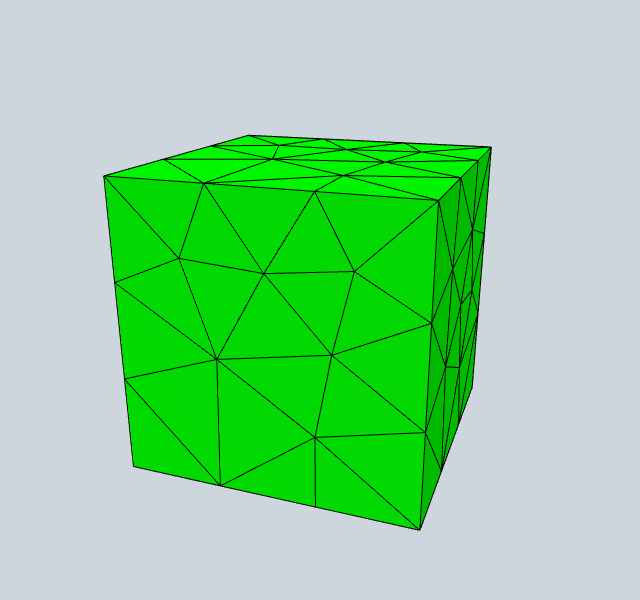
Click on a surface element to print its element number and region name.
[1]:
from ngsolve import *
from ngsolve_webgpu.mesh import MeshData, MeshElements2d, MeshWireframe2d
from ngsolve_webgpu.pick import MeshPickResult
import webgpu.jupyter as wj

mesh = Mesh(unit_cube.GenerateMesh(maxh=0.3))
mesh_data = MeshData(mesh)

surface = MeshElements2d(mesh_data)
wireframe = MeshWireframe2d(mesh_data)

def on_pick(ev):
    pick = MeshPickResult(ev, mesh, scene.options, kind='surface')
    print(pick)

surface.on_select(on_pick)

scene = wj.Draw([surface, wireframe])
scene.input_handler.on_click(lambda ev: scene.select(ev['canvasX'], ev['canvasY']))
warning: headless host, selecting by preference only
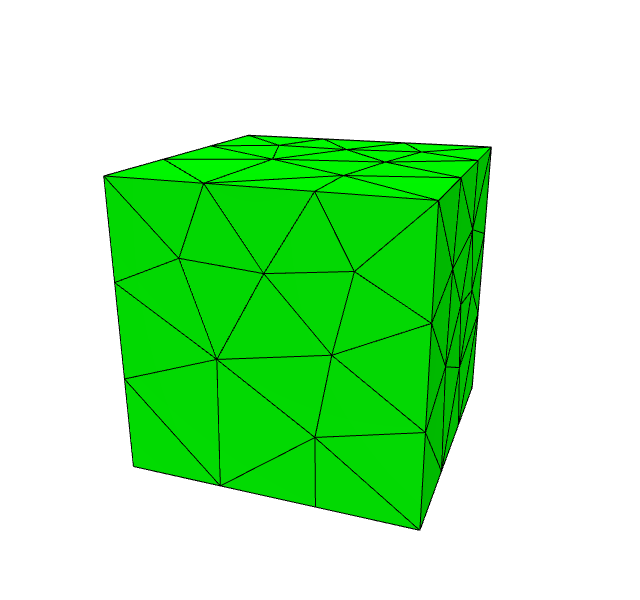
▶ Click to interact
Geometry picking — OCC shapes#
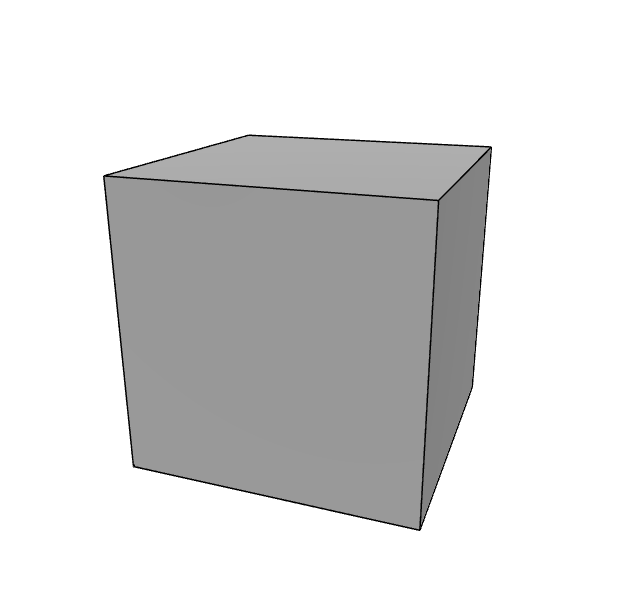
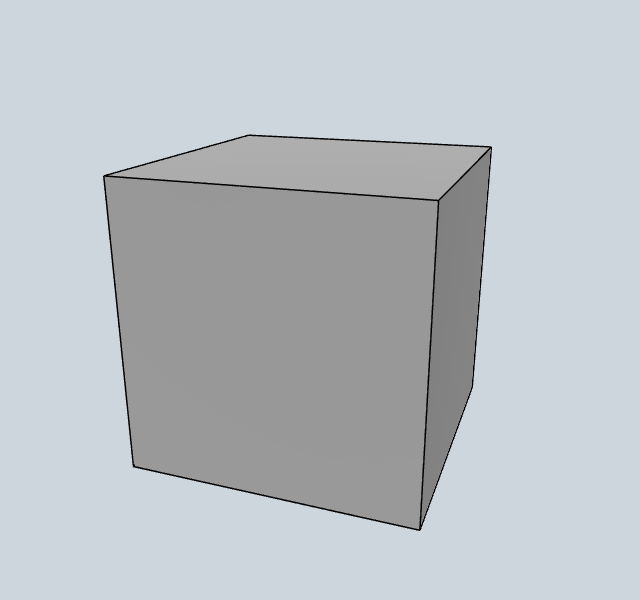
Click on a face or edge of the OCC box to identify it.
[2]:
from netgen.occ import Box, Pnt, OCCGeometry
from ngsolve_webgpu.geometry import GeometryRenderer
from ngsolve_webgpu.pick import GeoPickResult
import webgpu.jupyter as wj

geo = OCCGeometry(Box(Pnt(0, 0, 0), Pnt(1, 1, 1)))
renderer = GeometryRenderer(geo)

def on_pick(ev):
    pick = GeoPickResult(ev, geo, scene2.options)
    print(f'Picked {pick.kind_label} #{pick.index} name={pick.name!r}')

renderer.faces.on_select(on_pick)
renderer.edges.on_select(on_pick)

scene2 = wj.Draw([renderer])
scene2.input_handler.on_click(lambda ev: scene2.select(ev['canvasX'], ev['canvasY']))
▶ Click to interact
[ ]: