
Animation & Live Updates#
Solutions can be updated interactively using scene.redraw() or animated over stored timesteps using the Animation wrapper. When the documentation is exported to HTML, the Animation wrapper additionally serializes every recorded frame into the page so the slider keeps working in the static export — no Python kernel required.
Live redrawing with parameters#
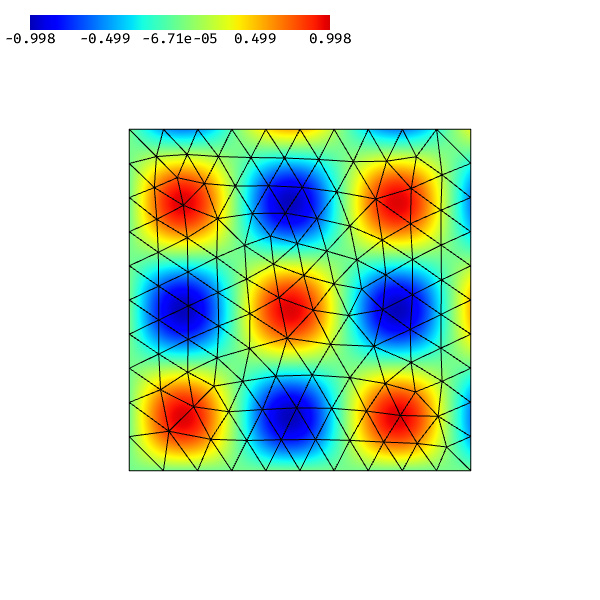
Update a scene when an NGSolve Parameter changes — useful in a live notebook session:
[1]:
from ngsolve import *
from ngsolve_webgpu.jupyter import Draw

mesh = Mesh(unit_square.GenerateMesh(maxh=0.1))
p = Parameter(10)
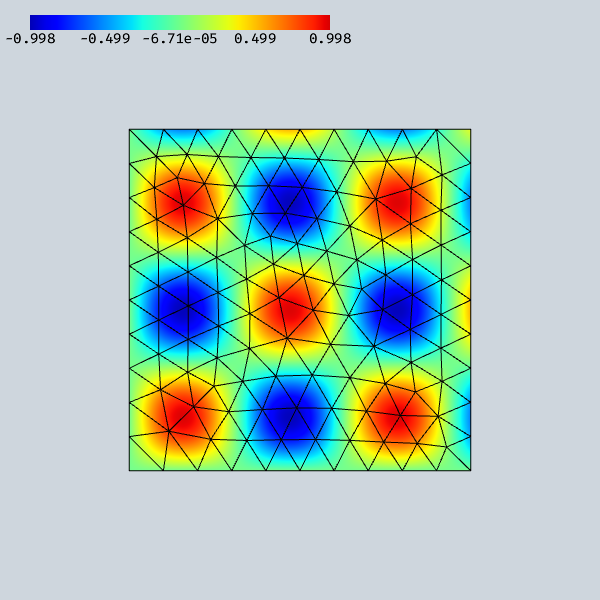
scene = Draw(sin(p * x) * sin(10 * y), mesh, order=3)
warning: headless host, selecting by preference only
[2]:
# Change parameter and redraw (only effective in a live kernel)
p.Set(20)
scene.redraw()
Timestep animation with Animation#
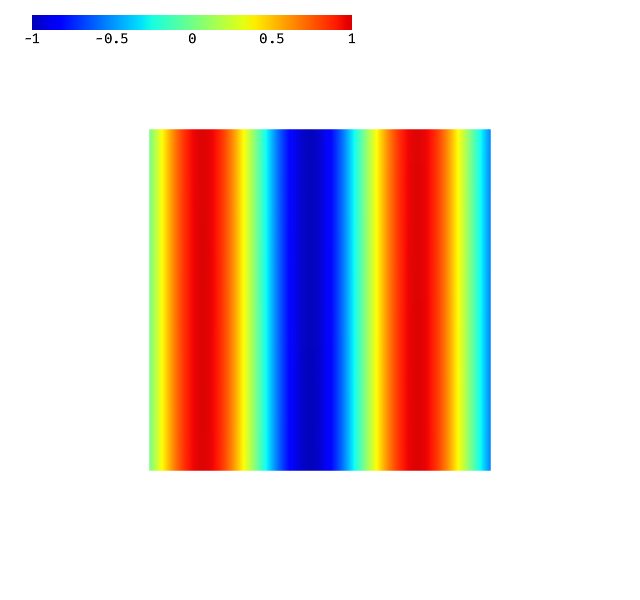
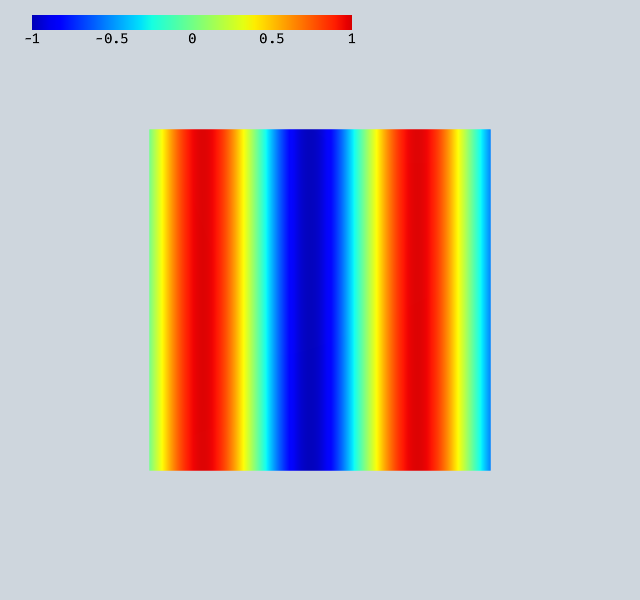
Animation wraps a renderer, walks its CoefficientFunction tree for GridFunction and Parameter objects, and records snapshots when you call add_time(). A slider in the GUI scrubs through the recorded frames.
Important for HTML export: record all frames before calling Draw(). The export hook runs at Draw() time, snapshots the per-frame GPU buffers, and embeds them in the page. Frames added after Draw() won’t appear in the static export.
[3]:
from ngsolve import *
from ngsolve_webgpu.mesh import MeshData
from ngsolve_webgpu.cf import FunctionData, CFRenderer
from ngsolve_webgpu.animate import Animation
from webgpu.colormap import Colorbar
from webgpu.jupyter import Draw

mesh = Mesh(unit_square.GenerateMesh(maxh=0.1))
gf = GridFunction(H1(mesh, order=3))
t = Parameter(0)
f = sin(10 * (x - 0.1 * t))

gf.Interpolate(f)

md = MeshData(mesh)
fd = FunctionData(md, gf, order=3)
cfr = CFRenderer(fd)
cfr.colormap.set_min_max(-1, 1)

ani = Animation(cfr)
ani.add_time()  # frame 0 (current state)

# Record 20 frames before drawing — they will all be embedded in the HTML
for tval in range(1, 21):
    t.Set(tval * 5)
    gf.Interpolate(f)
    ani.add_time()

Draw([ani, Colorbar(cfr.colormap)])
[3]:
Drag the Frame slider in the GUI panel to scrub through the recorded timesteps. In the live notebook the same scene also reacts to add_time() calls made after Draw — for example inside a time-stepping loop — and scene.redraw() will update the canvas.
What gets exported#
For each recorded frame, Animation.get_export_interactions() re-evaluates the underlying CF, reads back the relevant GPU buffers (data_2d, data_3d), and stores them as raw frame snapshots. The JS engine’s time_animation handler uploads the matching snapshot to the live buffer when the slider moves and triggers a re-render — purely client-side.