Mesh Visualization#
Here building blocks for mesh visualization are introduced.
2D Elements & Wireframe#
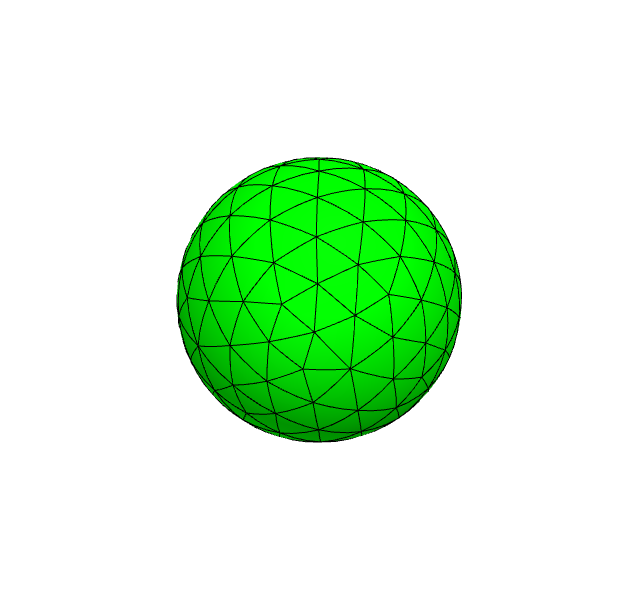
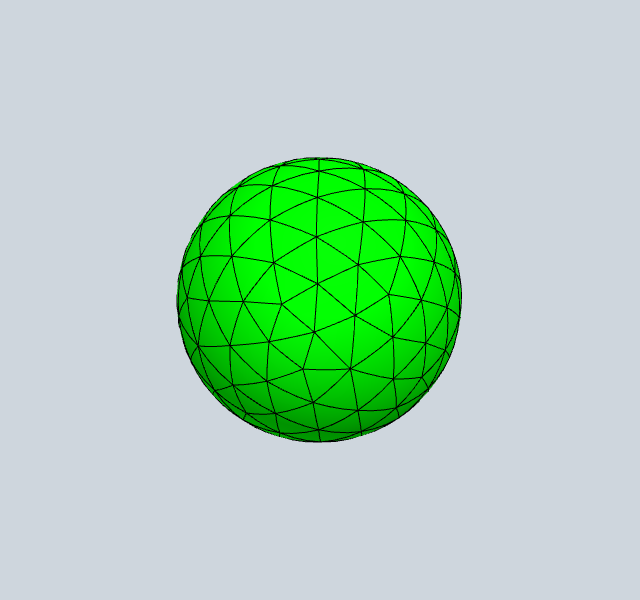
The MeshData object stores gpu-data of the mesh and makes it accessible to multiple renderers (surface/volume elements, wireframe data, coefficient function, …) The mesh can be high order curved.
[1]:
from ngsolve import *
from netgen.occ import *
from ngsolve_webgpu import *
from webgpu.jupyter import Draw

sphere = Sphere((0, 0, 0), 1)
geo = OCCGeometry(sphere)
mesh = Mesh(geo.GenerateMesh(maxh=0.3))
mesh.Curve(4)
meshdata = MeshData(mesh)
clipping = Clipping()
surface_elements = MeshElements2d(meshdata, clipping=clipping)
wireframe = MeshWireframe2d(meshdata, clipping=clipping)

Draw([surface_elements, wireframe])
warning: headless host, selecting by preference only
[1]:
3D Elements#
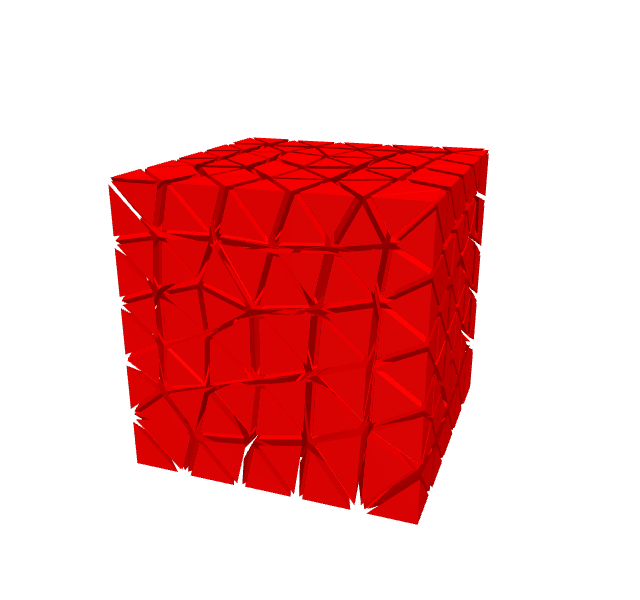
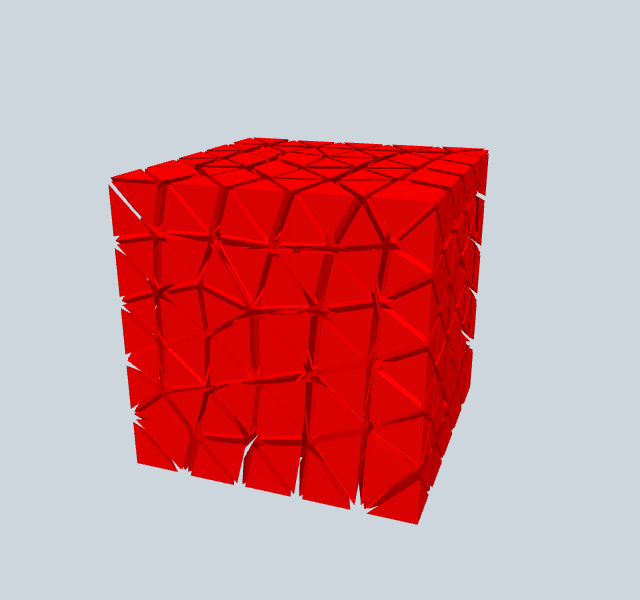
The renderer for 3d elements automatically sets the mesh data to also write 3d volume element information to the GPU. When adding options from the volume renderer to the gui a slider for shrinking the elements is added.
[2]:
from ngsolve import *
from ngsolve_webgpu import *
from webgpu.jupyter import Draw

mesh = Mesh(unit_cube.GenerateMesh(maxh=0.2))
meshdata = MeshData(mesh)
clipping = Clipping()
clipping.center = [0.5, 0.5, 0.5]
# clipping.mode = clipping.Mode.PLANE # enables clipping
volume_elements = MeshElements3d(meshdata, clipping=clipping)
volume_elements.shrink = 0.8
Draw(volume_elements)
[2]:
Mesh Deformation#
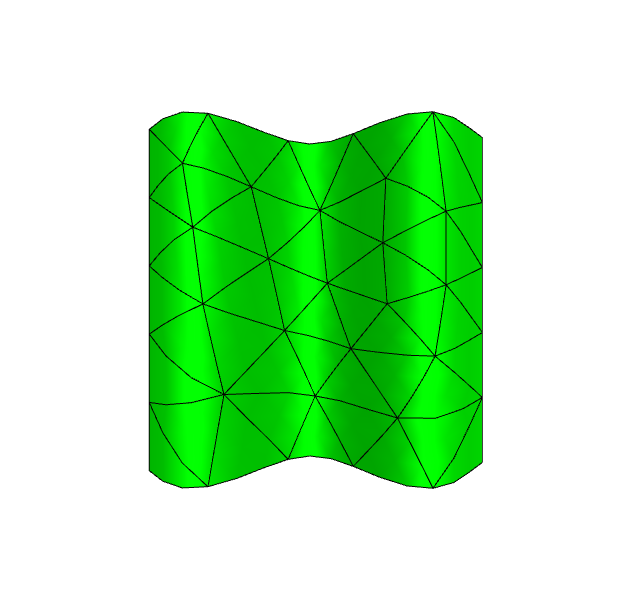
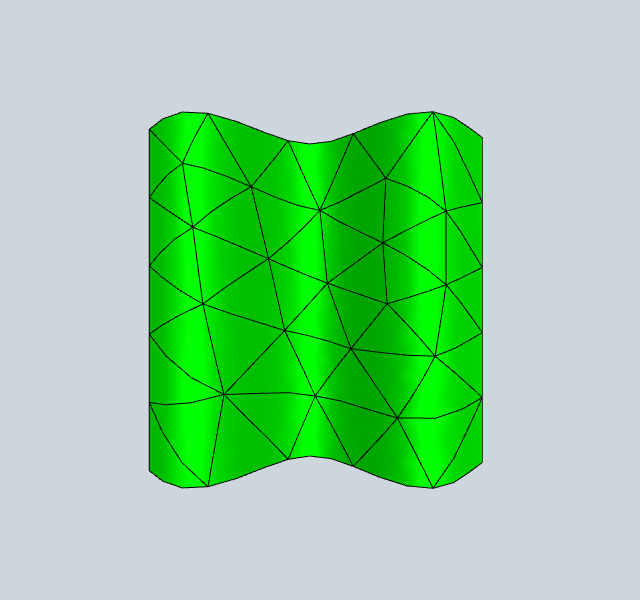
we can deform the mesh with a function. Here we use FunctionData, similar to the MeshData before. It allows the function to be used by multiple renderer and even in multiple scenes with the data being only once on the GPU. The deformation data must be a 3 dim CF.
[3]:
from ngsolve import *
from ngsolve_webgpu import *
from webgpu.jupyter import Draw

deformation = CF((0, 0, 0.2 * sin(10 * x)))
mesh = Mesh(unit_square.GenerateMesh(maxh=0.2))
meshdata = MeshData(mesh)
def_data = FunctionData(meshdata, deformation, order=5)
meshdata.deformation_data = def_data
surface_elements = MeshElements2d(meshdata)
wireframe = MeshWireframe2d(meshdata)
scene = Draw([surface_elements, wireframe])
Entity Numbers#
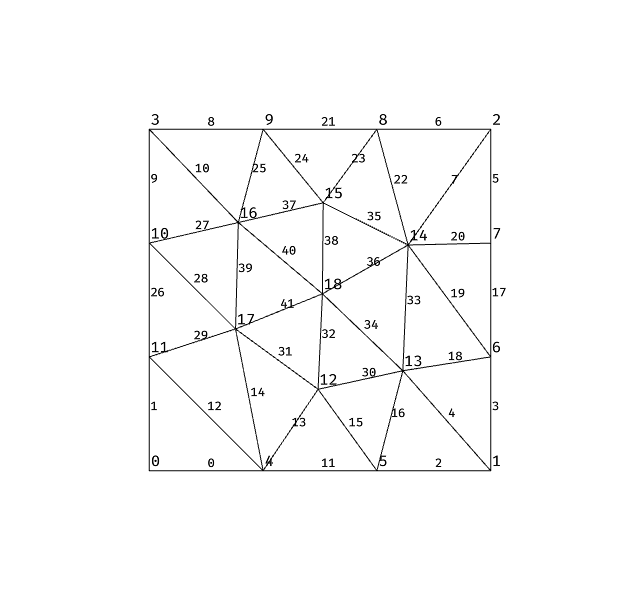
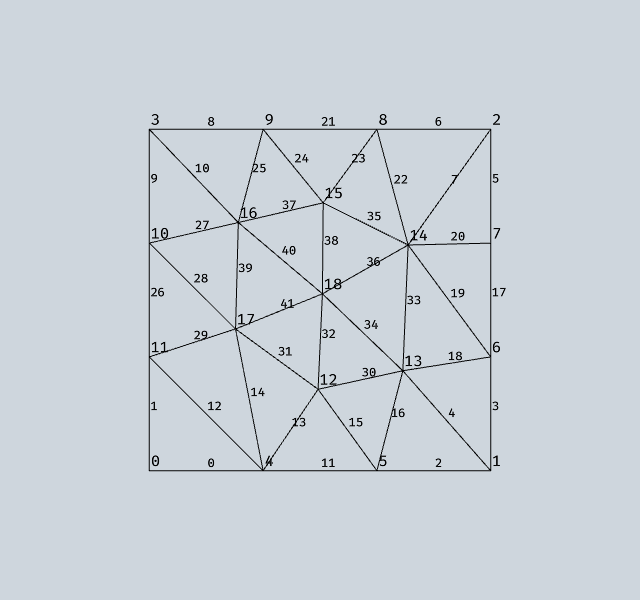
The EntityNumbers renderer can display numbers for vertices, edges, facets, surface elements, and volume elements. See the Entity Numbers notebook for full documentation.
[4]:
from ngsolve import *
from ngsolve_webgpu import *
from webgpu.jupyter import Draw

mesh = Mesh(unit_square.GenerateMesh(maxh=0.3))
meshdata = MeshData(mesh)
wireframe = MeshWireframe2d(meshdata)
vertex_nums = EntityNumbers(meshdata, entity='vertices', font_size=15)
edge_nums = EntityNumbers(meshdata, entity='edges', font_size=12)
scene = Draw([wireframe, vertex_nums, edge_nums])
[5]:
from netgen.occ import *
from ngsolve import *
from ngsolve_webgpu import *
from webgpu.jupyter import Draw

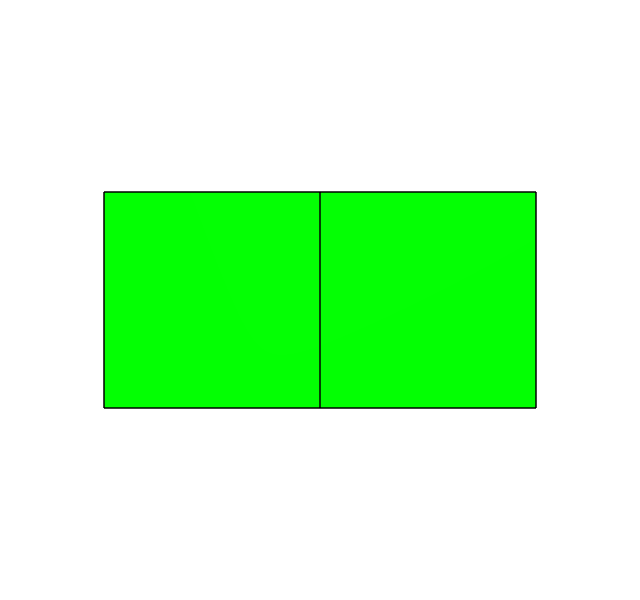
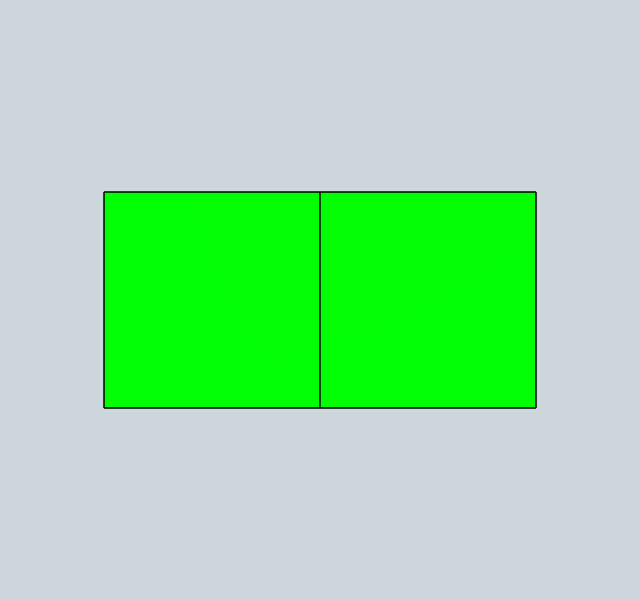
# 1D elements (segments) rendered as thick lines
r1 = Rectangle(1,1).Face()
r2 = r1.Move((1,0,0))
s = Glue([r1,r2])
mesh = s.GenerateMesh(maxh=0.2, dim=2)
meshdata = MeshData(mesh)
clipping = Clipping()
surface_elements = MeshElements2d(meshdata, clipping=clipping)
segments = MeshSegments(meshdata, clipping=clipping)

Draw([surface_elements, segments])
[5]:
[ ]: