Geometry Visualization#
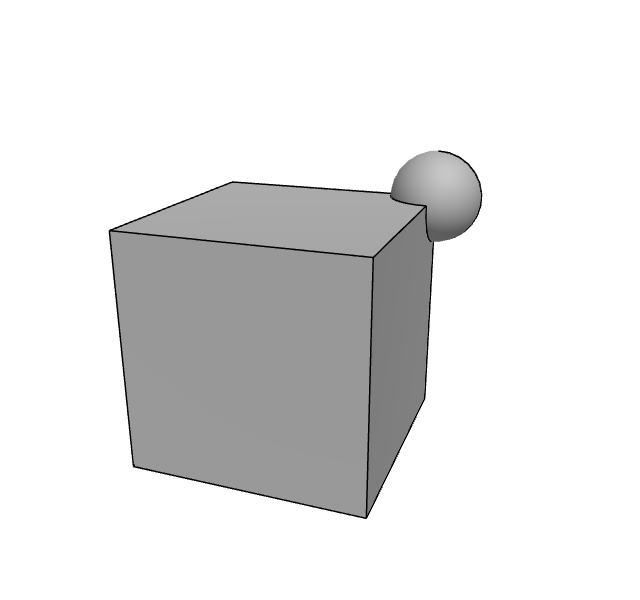
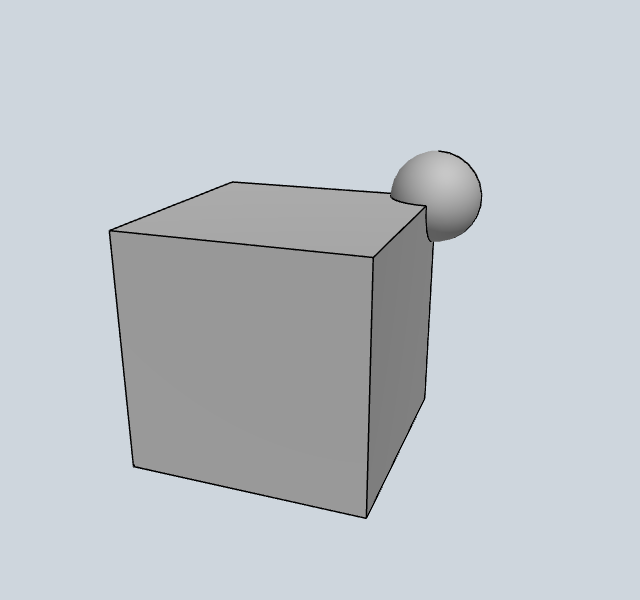
OCC (OpenCascade) geometries can be rendered directly without meshing. The GeometryRenderer displays faces, edges, and vertices with proper colors.
Rendering an OCC Shape#
[1]:
from netgen.occ import *
from ngsolve_webgpu import GeometryRenderer
from webgpu.jupyter import Draw

box = Box((-1, -1, -1), (1, 1, 1))
sphere = Sphere((1, 1, 1), 0.4)
shape = box + sphere

geo = OCCGeometry(shape)
renderer = GeometryRenderer(geo)
scene = Draw([renderer])
warning: headless host, selecting by preference only
▶ Click to interact
GeometryRenderer wraps three sub-renderers: faces (solid surfaces), edges (wireframe lines), and vertices (points). Each can be toggled independently.
Using the Draw Shortcut#
The convenience Draw function from ngsolve_webgpu.jupyter accepts shapes and geometries directly:
[2]:
from netgen.occ import *
from ngsolve_webgpu.jupyter import Draw

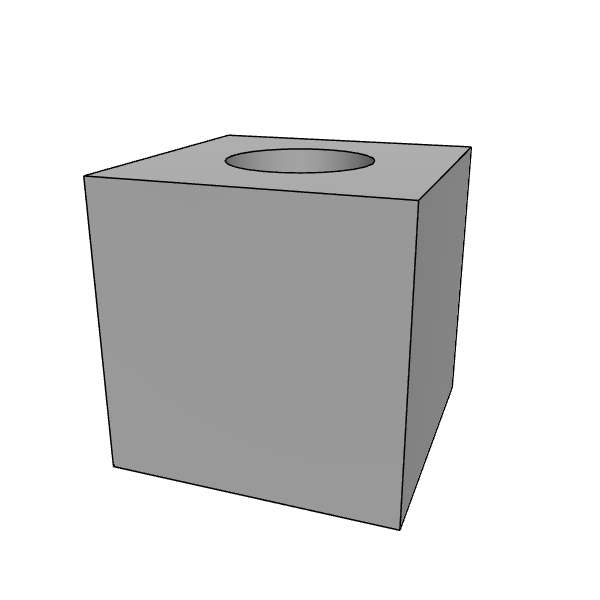
shape = Box((-1, -1, -1), (1, 1, 1)) - Cylinder((0, 0, -2), Z, r=0.5, h=4)
Draw(shape)
▶ Click to interact
[2]:
When passed a TopoDS_Shape or OCCGeometry, Draw creates a GeometryRenderer automatically.
Geometry with Clipping#
[3]:
from netgen.occ import *
from ngsolve_webgpu import GeometryRenderer
from webgpu.clipping import Clipping
from webgpu.jupyter import Draw

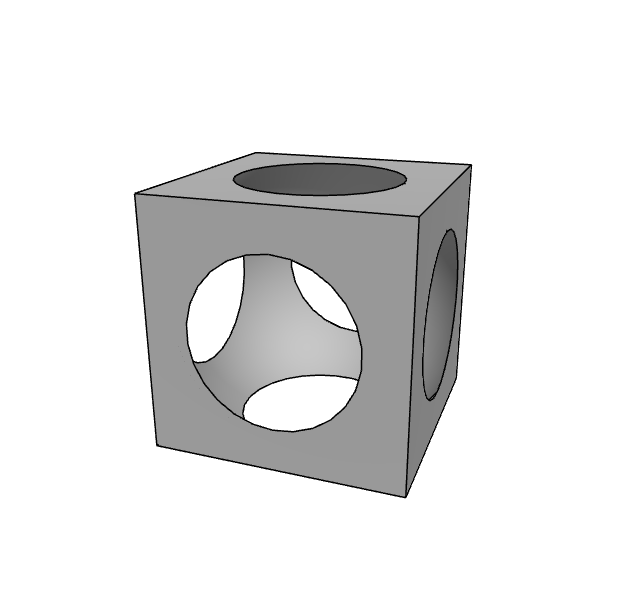
shape = Box((-1, -1, -1), (1, 1, 1)) - Sphere((0, 0, 0), 1.2)
geo = OCCGeometry(shape)
clipping = Clipping()
renderer = GeometryRenderer(geo, clipping=clipping)
Draw([renderer])
▶ Click to interact
[3]:
Pass a Clipping object to GeometryRenderer to enable interactive clipping of the geometry.