Quickstart#
ngsolve_webgpu.jupyter.Draw is the high-level entry point. It mirrors the NGSolve webgui Draw and dispatches on the type of its first argument:
a
Mesh→ renders surface elements + wireframea
CoefficientFunction(with aMesh) → renders coloured field with colormap and colorbaran OCC
OCCGeometry/TopoDS_Shape→ renders the geometry with face/edge colours
Every canvas below is fully interactive — drag to rotate, shift-drag to pan, scroll to zoom, and use the GUI panel in the top-right corner.
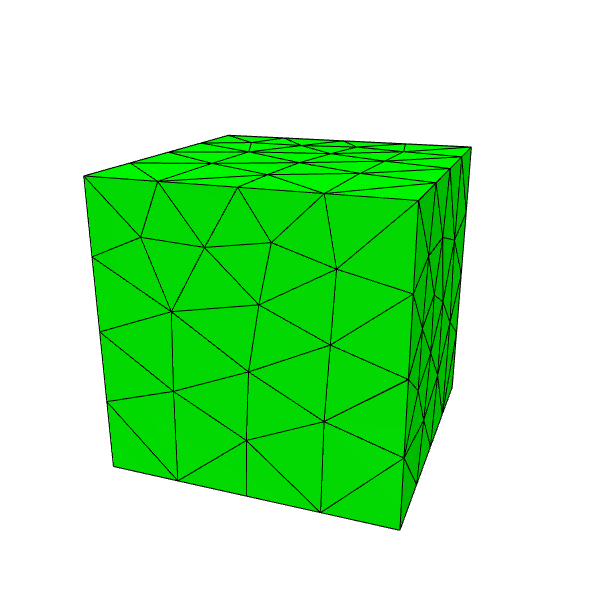
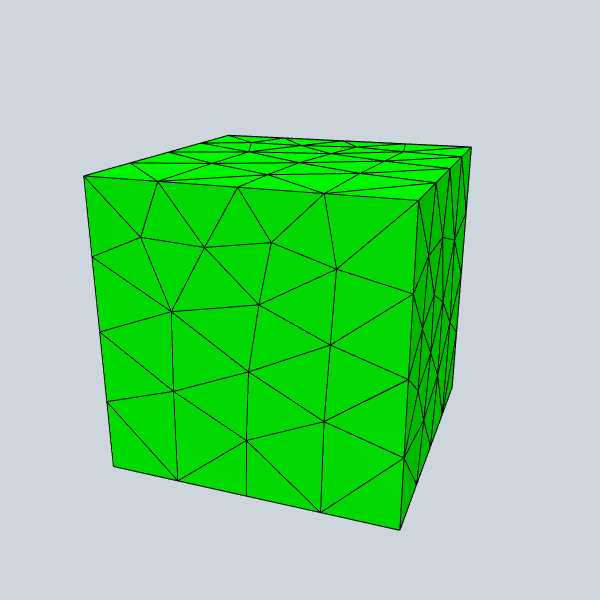
A 3D mesh#
[1]:
from ngsolve import *
from ngsolve_webgpu.jupyter import Draw

mesh = Mesh(unit_cube.GenerateMesh(maxh=0.25))
Draw(mesh)
warning: headless host, selecting by preference only
[1]:
A coefficient function on a 2D mesh#
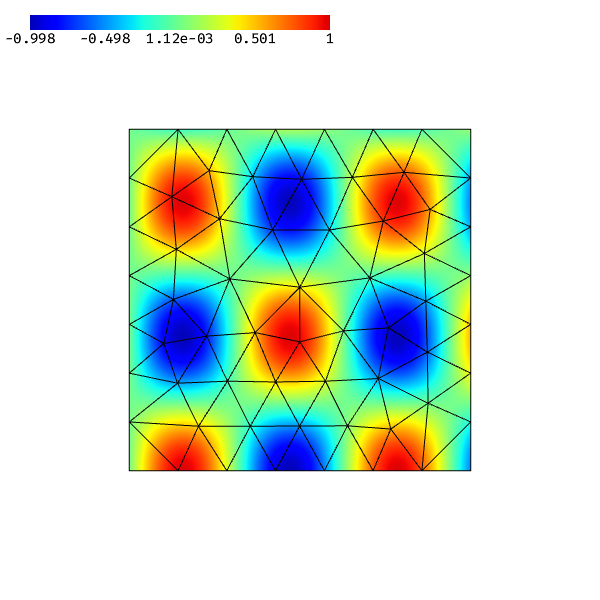
The order keyword controls the per-element subdivision used to render high-order data.
[2]:
mesh = Mesh(unit_square.GenerateMesh(maxh=0.15))
Draw(sin(10 * x) * cos(8 * y), mesh, order=4)
[2]:
Deformation#
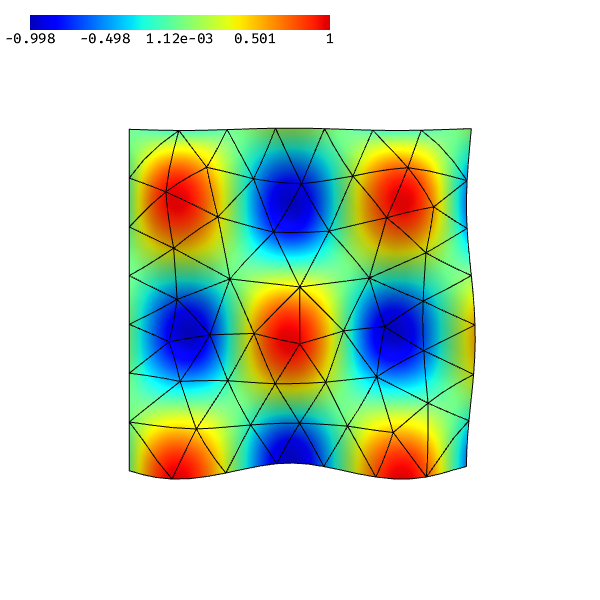
The deformation keyword applies a vector-valued CF as a per-vertex displacement — handy to lift a 2D scalar field into 3D or to visualise an elasticity solution.
[3]:
mesh = Mesh(unit_square.GenerateMesh(maxh=0.15))
f = sin(10 * x) * cos(8 * y)
deformation = CF((0, 0, 0.1 * f))
Draw(f, mesh, deformation=deformation, order=4)
[3]:
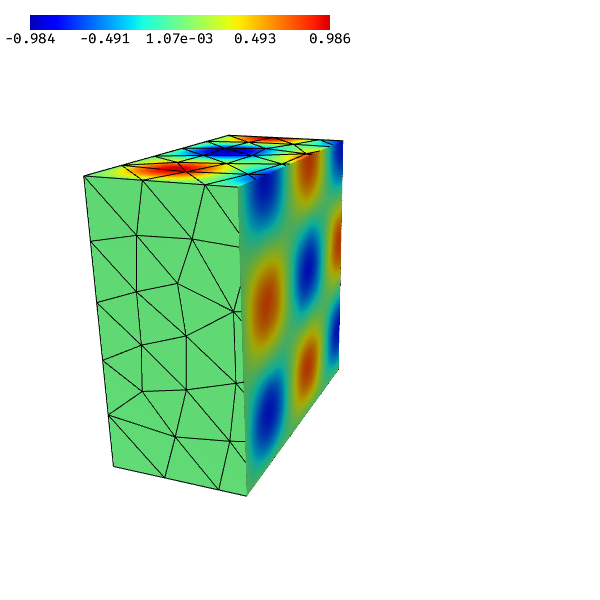
Clipping a 3D field#
For 3D meshes Draw automatically wires up a clipping-plane GUI. Pass clipping=True to enable it on load, or a dict to set the initial normal/centre.
[4]:
mesh = Mesh(unit_cube.GenerateMesh(maxh=0.2))
Draw(sin(8 * x) * sin(8 * y) * sin(8 * z), mesh, order=3,
     clipping={"nx": 1, "ny": 0, "nz": 0})
[4]:
Common keyword arguments#
Argument |
Effect |
|---|---|
|
Per-element subdivision for the CF renderer (default 2). |
|
Vector CF applied as a displacement to mesh vertices. |
|
|
|
|
|
Canvas size in CSS pixels. |
|
Override the mesh subdivision used during sampling. |
Draw returns a Scene object; its .gui attribute lets you append custom controls (sliders, checkboxes), and .redraw() re-renders after Python-side changes (parameter updates, GridFunction edits). The remaining sections show how to compose your own scenes from the individual renderer classes when Draw isn’t enough.